Translations
Logbuch ships in five languages. Switch the site language or add your own.
Logbuch ships in English, German, Spanish, French and Italian. The theme's own words, such as "On this page", "Copy", "Chapter 3 of 6", the status of an incident and the note on old posts, appear in the language you set for your site.
Switch the site language
- Go to Settings → General settings → Publication Language.
- Choose your language under Site language, for example German. Logbuch uses the codes
en,de,es,frandit. - Click Save.
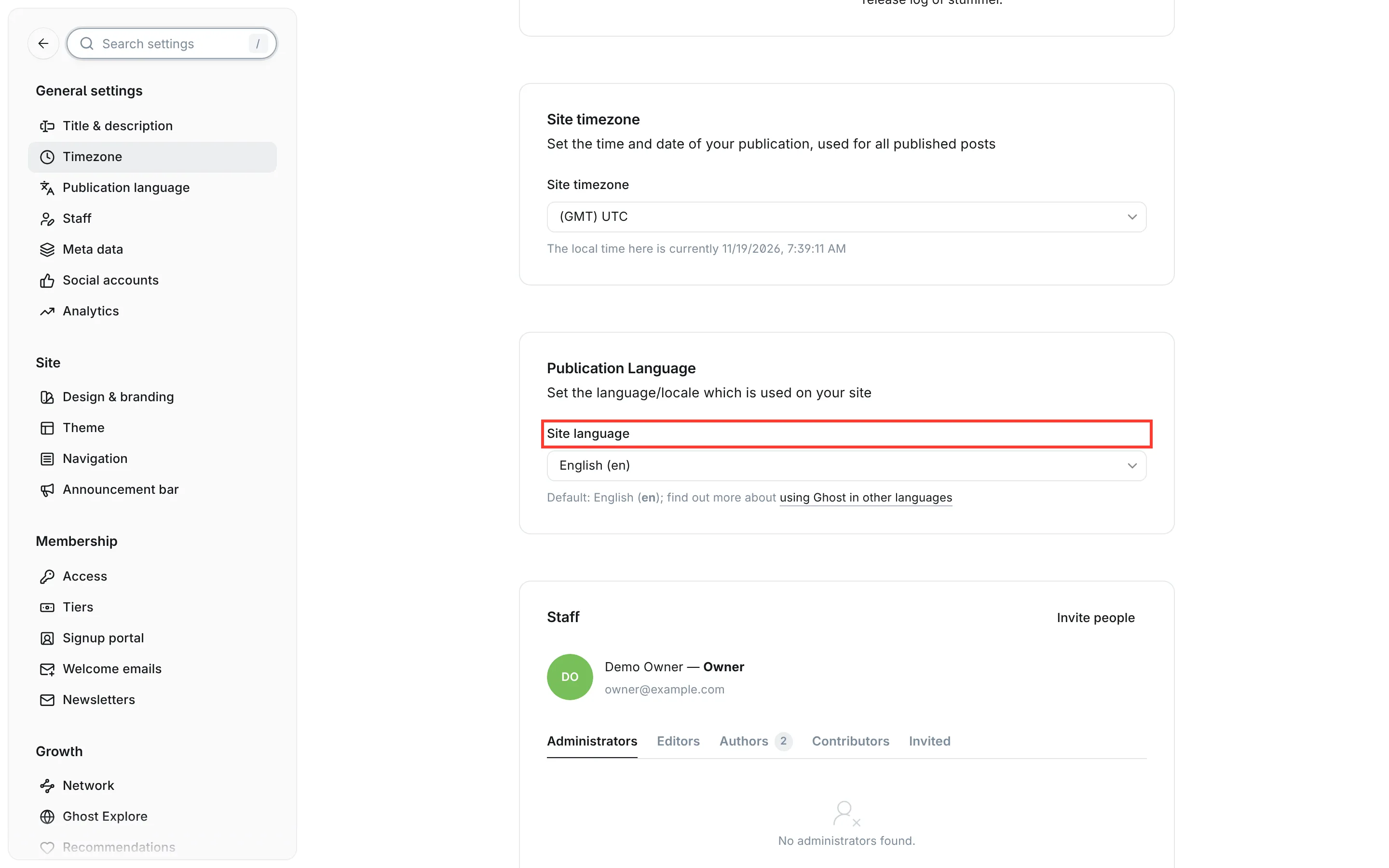
The theme then uses its German texts, and Ghost passes the same language to the sign-up window, search and comments, which have their own translations. If you choose a language that Logbuch doesn't ship, the theme falls back to English while Ghost's own windows still use your language. The same happens with a regional code such as de-CH or fr-CA: Ghost looks for a file of exactly that name, so the theme shows English. Choose the plain code, de or fr, to get the theme's texts.
What the theme doesn't translate
The theme translates its own labels and buttons. Anything you type yourself stays as you typed it, and a few things it reads from your posts follow their own rules.
The sections of a release are recognised in all five languages, whatever language your site is set to. Write the heading with one of these names, in capitals or not:
| English | German | Spanish | French | Italian |
|---|---|---|---|---|
| Added | Hinzugefügt | Añadido, Agregado | Ajouté | Aggiunto |
| Changed | Geändert | Cambiado | Modifié | Modificato |
| Deprecated | Veraltet | Obsoleto | Déprécié | Deprecato |
| Removed | Entfernt | Eliminado | Supprimé | Rimosso |
| Fixed | Behoben | Corregido, Arreglado | Corrigé | Corretto, Risolto |
| Security | Sicherheit | Seguridad | Sécurité | Sicurezza |
The list item that marks a breaking change starts with the English word "Breaking" on every site, for example Breaking: interval counts seconds now.
In an incident's timeline, the status after the time is read in English and in your site's language. On a German site, 09:52 Identified: Disk full and 09:52 Ursache gefunden: Platte voll both work. Dates and times stay in the form 2026-11-06 04:00 in every language.
The internal tags that give a post its type and status, such as #changelog, #incident, #til and #resolved, keep their English names on every site. So does the slug prefix of a series, series- unless you change it. How to write releases, incidents and series is described under Post types.
Add a language
The theme's texts are in the locales folder inside the theme, one file per language: en.json, de.json, es.json, fr.json and it.json. To add a language, copy one of these files and translate it. You don't need to rebuild the theme.
- Unpack
logbuch.zipon your computer. It contains one folder,logbuch. - In its folder
locales, copyen.jsonand name the copy after Ghost's code for your language, for examplenl.jsonfor Dutch orpt.jsonfor Portuguese. The code is the one Ghost shows for your choice under Site language. - Open the copy in a text editor and translate the right-hand side of each line, leaving the left side as it is:
"On this page": "Op deze pagina",
"Copy": "Kopiëren",
- Pack the folder
logbuchinto a ZIP again and name itlogbuch.zip, as described under Customising (without the build steps). - Upload it as described under Update to a new version.
The status words you translate, such as "Investigating" and "Resolved", also work in your incident timelines, because the theme reads them from your file. Release sections are only recognised in the five shipped languages, so on a Dutch site write them in English, Added or Fixed. With every theme update, copy your language file into the new version before you upload it, and check the changelog for new texts to translate.